

Introduction
Traveling with an eSIM is a game-changer for staying connected without hassle, but it can put extra strain on your device’s battery. Here, we’ll share top tips for optimizing battery life with an eSIM so you can stay powered up while exploring your destination.
1. Why does eSIM technology use more battery?
Unlike physical SIMs, eSIMs sometimes consume more power, especially when switching between networks or when there’s limited network coverage. Devices in these conditions will naturally search for a stronger signal, draining the battery faster. Understanding how to manage this process is key to extending battery life.
Planning a trip soon? Get your eSIM instantly and activate in under 2 minutes.
2. Battery-saving tips for eSIM users
- Enable airplane mode and activate only data as needed
Putting your phone in airplane mode when you don’t need voice services can save battery, as the device will stop searching for a voice signal. Simply turn on mobile data manually whenever you need it, which also helps control data use. - Turn Off automatic updates and background apps
Many apps operate in the background, using data and consuming battery. Disabling automatic updates and limiting background app activity can significantly extend battery life. - Lower screen brightness and enable dark mode
Screen brightness has a big impact on battery consumption. Reducing brightness and enabling dark mode are simple but effective ways to stretch your battery life, especially on OLED displays. - Switch to 4G rather than 5G when possible
While 5G offers speed, it can drain your battery more quickly. Setting your device to 4G only, especially if 5G isn’t needed, can help conserve power without sacrificing performance.
3. Useful apps for monitoring battery consumption
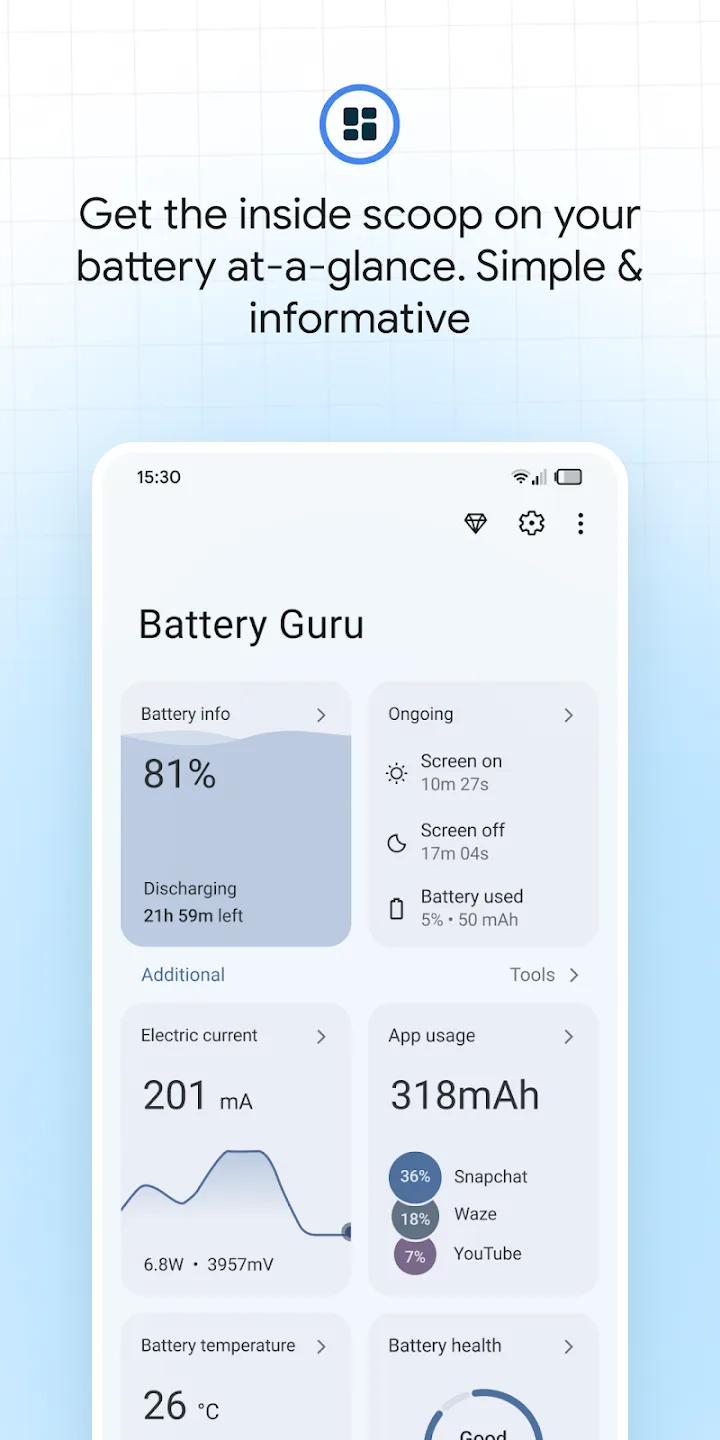
Several apps can help you monitor battery usage and pinpoint which settings and apps are the biggest battery-drainers:
- Battery Guru (Android): This app provides a detailed analysis of battery health, usage, and ways to save battery life.
- CoconutBattery (iOS): This app offers insight into battery health and usage, helping you keep track of power consumption over time.
4. When to switch networks or roaming options to save battery
If you’re using an eSIM in roaming mode abroad, consider switching to Wi-Fi whenever possible to avoid unnecessary network searching. When mobile data is essential, choosing a network with strong coverage in the area can help prevent battery drain from frequent network switching.
Frequently Asked Questions (FAQ)
- Q: Does eSIM drain more battery than a physical SIM?
A: eSIM technology may consume more battery in areas with low network coverage or when frequently switching networks. However, with proper settings, this impact can be minimized. - Q: What’s the best way to save battery with an eSIM?
A: The best approach is to manage network connections, disable automatic updates, reduce brightness, and activate data only when necessary.
Conclusion
Using an eSIM while traveling offers convenience and flexibility, but by following these tips, you can make the most of your device’s battery life. For more travel tips with eSIMs, check out our guide to choosing the best eSIM for your destination and explore our top-rated eSIM plans for reliable connectivity on your next adventure.