

In the age of smart devices, staying connected without a phone is easier than ever with eSIM technology. If you own an Apple Watch or Google Pixel Watch, setting up your eSIM allows you to enjoy mobile data and connectivity anytime, anywhere. Here’s how to do it step by step.
Setting up eSIM on Apple Watch
Prerequisites:
- An iPhone compatible with your Apple Watch.
- An Apple Watch with cellular capability (Series 3 or later).
- An active account with a carrier offering compatible eSIM.
- A stable internet connection to complete the setup.
Steps to set up eSIM on Apple Watch:
- Update your iPhone and Apple Watch: Make sure both devices are updated to the latest software version.
- Open the Watch app on your iPhone:
- Tap “My Watch” and select “Mobile Data Setup.”
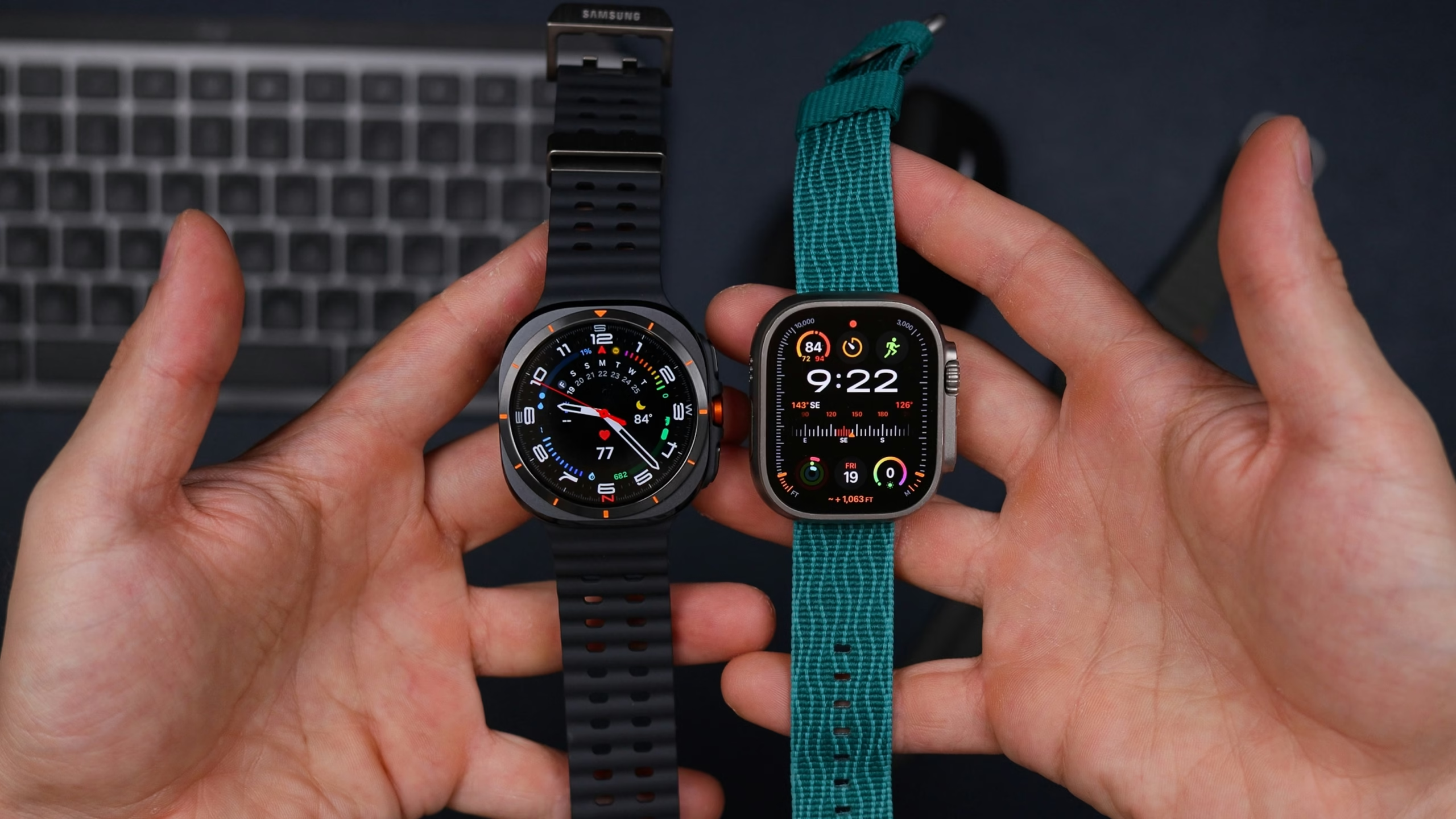
3. Follow on-screen Instructions:
- Log in to your carrier account.
- Scan the QR code provided by your eSIM provider or enter details manually.
4. Verify the connection: Once the setup is complete, the Apple Watch should automatically connect to the mobile network.
Benefits of using eSIM on your Apple Watch:
- Make calls and send messages without your phone.
- Access maps and apps anywhere.
- Stay connected while exercising or traveling.
More information at Apple Website.
Setting up eSIM on Google Pixel Watch
Prerequisites:
- A compatible Android phone.
- A Google Pixel Watch with cellular capability.
- A data plan with an eSIM-compatible carrier.
- The Google Pixel Watch app installed on your phone.
Steps to set up eSIM on Google Pixel Watch:
- Prepare your phone and watch:
- Ensure both devices are powered on and connected.
- Open the Google Pixel Watch app:
- Navigate to “Mobile Data Setup” in the main menu.
- Set up the eSIM:
- Scan your carrier’s QR code or enter the details manually.
- Follow the prompts to sync the eSIM with your watch.
- Check the connection:
- Once configured, verify that your watch is connected to the cellular network.
Advantages of using eSIM on your Google Pixel Watch:
- Stay connected without relying on your phone.
- Access music, maps, and more anytime.
- Perfect for outdoor activities.
More information at Google website.
Why choose EasyFly eSIM for your smartwatch
EasyFly eSIM offers flexible and easy-to-use data plans, perfect for keeping your smartwatch connected. With simple setups and global support, it’s the ideal solution for travelers and active users.
Note: Remember that the final activation process may require being in the region where you plan to use the eSIM. Check with your provider for more details.