

Did you just get your eSIM from EasyFly eSIM? Great news — activating it is easier than ever! All you need to do is scan the QR code we sent you. Let’s walk you through it step by step.
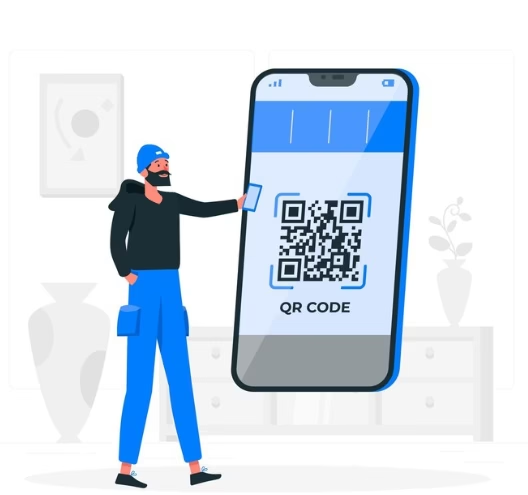
For iPhone (iOS):
- Open the Camera app: It’s right on your home screen.
- Point the camera at your eSIM QR code: Make sure the code is clear and visible.
- Tap the pop-up: A notification will appear at the top of the screen — tap it, and voilà! Your eSIM is now setting up automatically.
For Android devices:
- Open the Camera app or Google Lens: Most Android phones now support QR scanning natively. If you can’t find it, Google Lens is a solid alternative.
- Center the camera on your QR code: Make sure the entire code is in the frame.
- Tap the link: Once your phone detects the code, a pop-up will appear — tap it to start activating your eSIM instantly.
What if your phone doesn’t recognize the QR code?
No worries — here’s how to fix that:
- Check your camera settings: Ensure QR scanning is enabled in your camera app.
- Use Google Lens (Android) or Control Center QR scanner (iPhone) if the default camera doesn’t work.
- Download a QR code scanner app from the App Store or Play Store — free, quick, and reliable.
✅ Why Choose EasyFly eSIM?
- Instant activation — scan the QR and you’re online in minutes.
- No physical SIM needed — travel lighter and stay connected.
- Affordable global plans — skip the roaming fees.
Ready to enjoy hassle-free internet on your next trip? Get your EasyFly eSIM now!